
Electronic queue service at border checkpoints of the Kyrgyz Republic
Plan your border crossing in advance and save your time with the online booking system. The service allows you to choose a convenient date and time of travel, minimizing downtime in the waiting area.
Book a convenient time
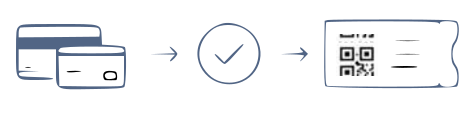
Pay by QR code
Official service
Queue Dashboard
Today: 27.11.2026
Total
Waiting / Active
Completed / Left
Distribution by Queue Type
How it works
Follow these simple steps to register in the electronic queue
Step 1: Select Checkpoint
On the main page of the portal, click the button to join the queue and select the required road checkpoint from the list.
Step 2: Entering Data
Enter the contact phone number, the driver's full name, and the state registration number of the truck. Specify the type of customs declaration (and its number) if you already have one. If you are transporting perishable or dangerous goods, be sure to enter the declaration number to receive priority.

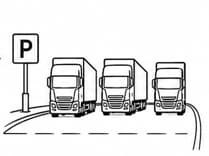
Step 3: Choosing the Passage Format
The system offers two options for passing through the waiting zone:
- Booking: Choosing a specific date and an available hourly slot in the calendar.
- Live Queue: Registration upon actual arrival at the waiting zone.
Step 4: Payment and Ticket Receipt
Make the payment online and save the generated ticket. If you are entering via the 'live queue' without a preliminary appointment, payment is made on-site to the operator.